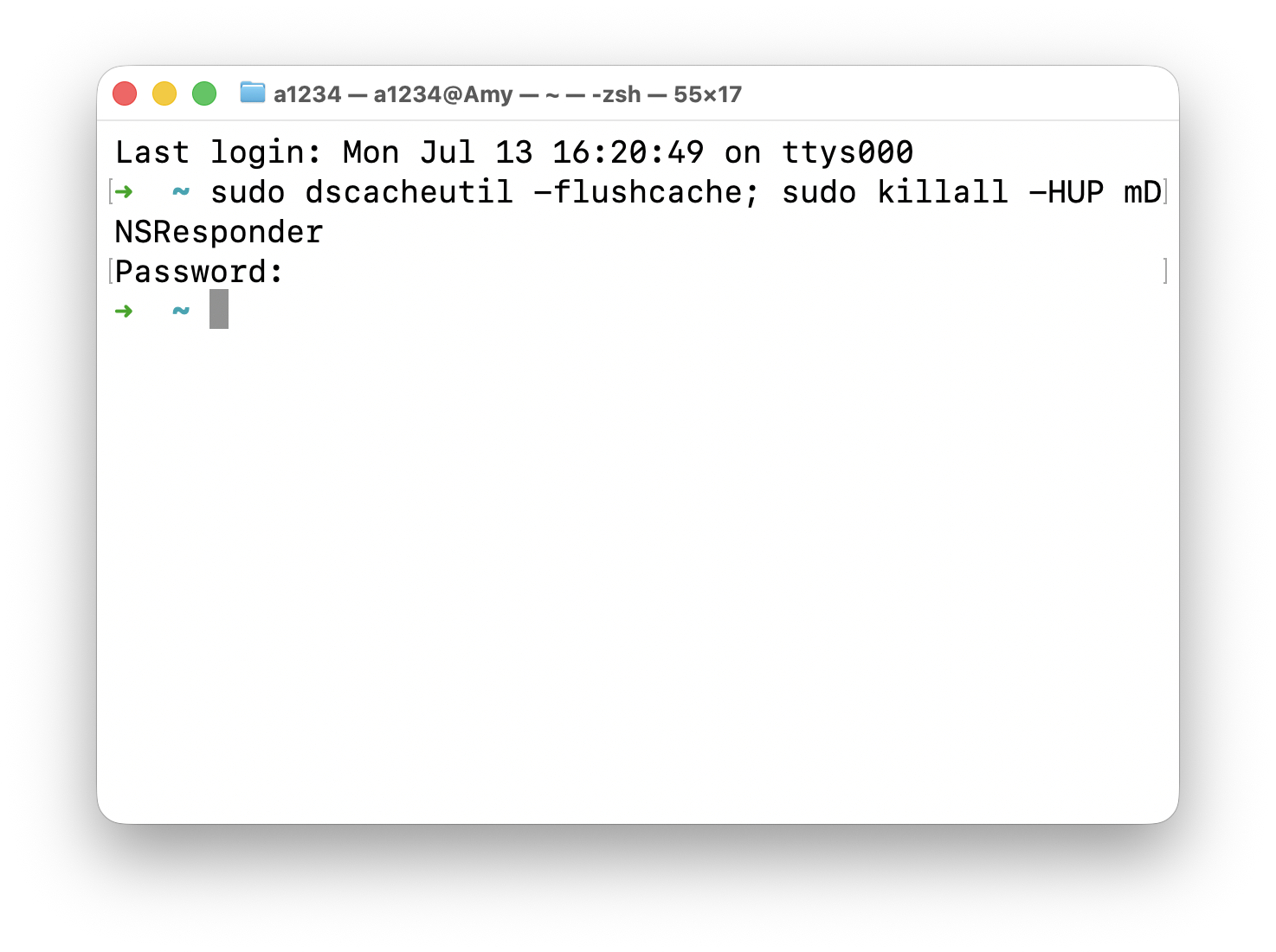
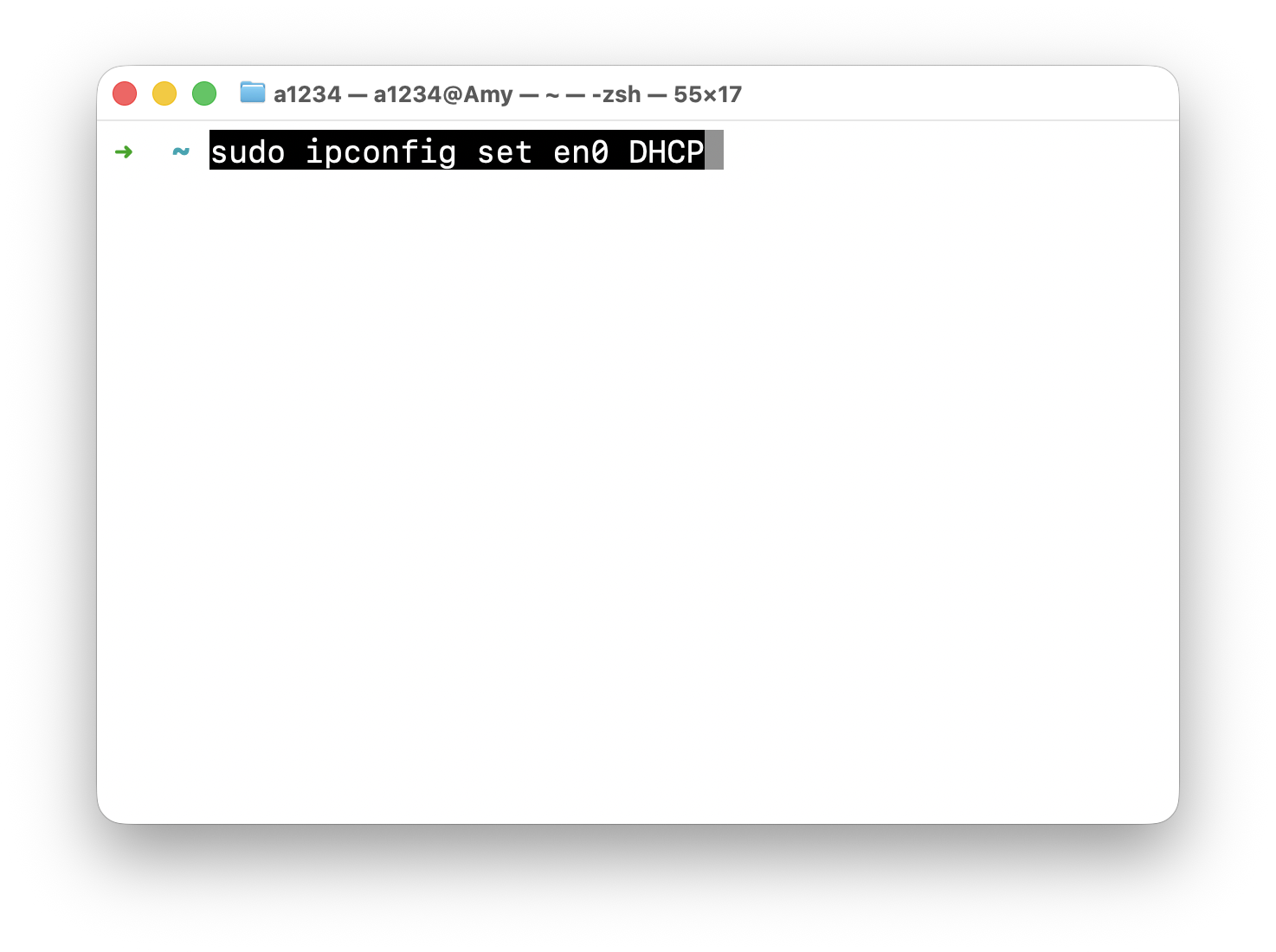
🌐 macOS 网络重置命令速查一张速查卡:macOS 常见网络故障的终端修复命令,包含 DNS 刷新、DHCP 重置等,遇到断网问题直接查。May 16, 2025 · One min read常用命令(按推荐顺序) 1. 刷新 DNS 缓存 sudo dscacheutil -flushcache; sudo killall -HUP mDNSResponder 2. 释放并重新获取 IP(DHCP) sudo ipconfig set en0 DHCP